Marketing
Google Business Profile: How to Set Up, Optimize, and Leverage Your Listing for Business
Learn what Google My Business (Google Business Profile) is, how to set up and verify your listing step-by-step, and how to attract local customers effectively.
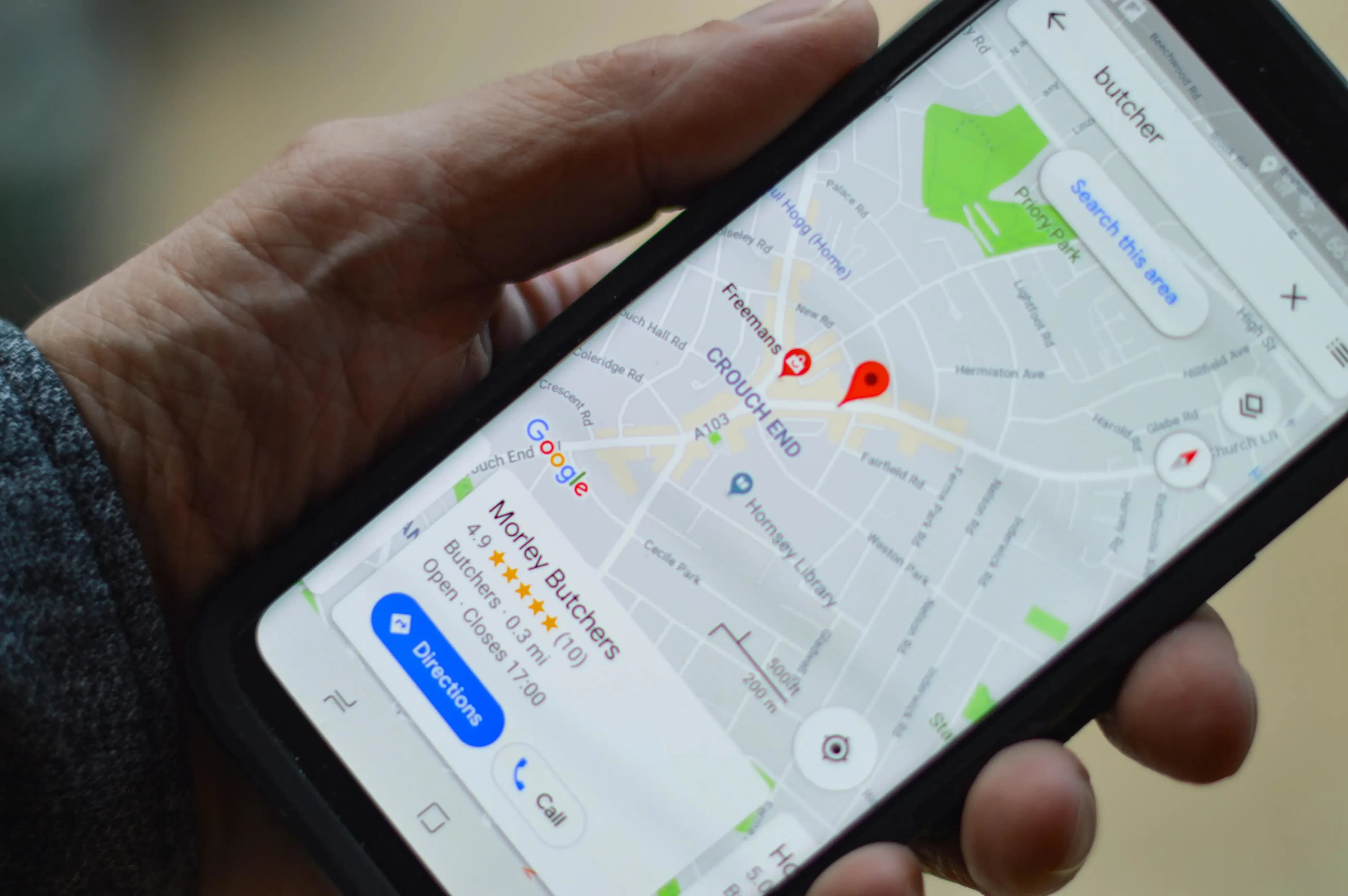
Google My Business (now officially operating as Google Business Profile) is one of the most powerful marketing tools that will help your company gain visibility on the internet. It allows you to create a free business listing that appears in Google search results and directly on Google Maps.
If you want local customers to easily find your services or products, this tool is absolute must-have. In this article, you will learn what Google Business Profile is, how to set it up step-by-step, what mistakes to avoid, and how to maximize its benefits.
What is Google My Business and What Does a Listing Contain?
Google Business Profile (GBP) is a free tool that enables businesses to manage their online presence across search engines and maps. A Google listing acts as your digital storefront and contains essential information, such as:
- Company Name – the first element that catches a user's attention.
- Address and Interactive Map – makes it easy for customers to physically reach your location.
- Phone Number – enables quick contact with a single click (crucial on mobile devices).
- Opening Hours – informs customers when they can visit or contact your business.
- Photos – showcases products, interior spaces, or past work in an attractive way.
- Reviews and Ratings – build social proof and trust among new prospective clients.
How to Set Up and Verify Your Google Business Profile Step-by-Step
Setting up a listing is straightforward, but it requires precision. It is worth taking a moment to complete it correctly from the start:
- Set up a Google Account – you will need it to manage the entire profile structure.
- Create the Listing – log into the management panel, click "Manage Now," and choose the option to add your business. Enter the correct name, exact address, appropriate business category, and contact details.
- Verify Your Business – Google requires proof that you operate at the specified address. Verification can be done via a code sent by traditional mail, SMS, phone call, or video verification.
- Optimize Your Profile – once successfully verified, fill in any missing descriptions, upload professional photos, and ensure your working hours are up to date.
Common Mistakes During Profile Configuration
While setting up and maintaining a profile, it is easy to stumble into pitfalls that limit your reach. The most common mistakes include:
- Incorrect or Outdated Contact Information – makes it hard for customers to reach you quickly and drives potential buyers away.
- Lack of Photos – a bare profile without visual materials looks less professional and generates lower engagement.
- Wrong Business Category – an improperly assigned category will prevent your business from showing up for relevant user searches.
- Failure to Update Opening Hours – especially during holidays; nothing frustrates a customer more than closed doors during hours declared as open.
- Ignoring Reviews – failing to respond to feedback (both positive and negative) weakens brand image.
Key Benefits of Having a Google Business Profile
Investing time in managing your listing yields measurable business results:
- Increased Local Visibility – your brand appears right at the top of search results and on Google Maps.
- Local SEO Boost – the listing amplifies the visibility of your website in the region where you operate.
- Instant Customer Contact – direct call buttons, messaging, or navigation shorten the path to purchase.
- Reputation Building – the rating and review system allows you to collect references that drive conversion decisions for new customers.
Real-life example: A local grocery store that optimized its Google Business Profile noticed a clear increase in search impressions and a 20% rise in physical store visits from local foot traffic.
Best Practices – How to Get the Most Out of Your Listing?
To ensure your listing actually generates revenue, follow these core principles: * Complete Your Profile 100% – the Google algorithm rewards complete and detailed profiles. * Regularly Add New Photos – showcase new products, interiors, and completed projects. * Actively Collect Reviews – encourage satisfied customers to leave feedback and always respond to them. * Publish Posts – utilize Google Posts to inform customers about current promotions, events, or new products.
Real-life example: A beauty salon that regularly posted photo updates of its treatments and promotional posts saw a 15% increase in new bookings within just one month.
Conclusion
Google Business Profile is a robust, free tool that directly drives local business growth. It increases online visibility, facilitates customer communication, and builds a strong standing in search results. Regular profile maintenance and active management of reviews are the simplest paths to securing a steady stream of new online clients.